

Bring Your Own Device (BYOD)
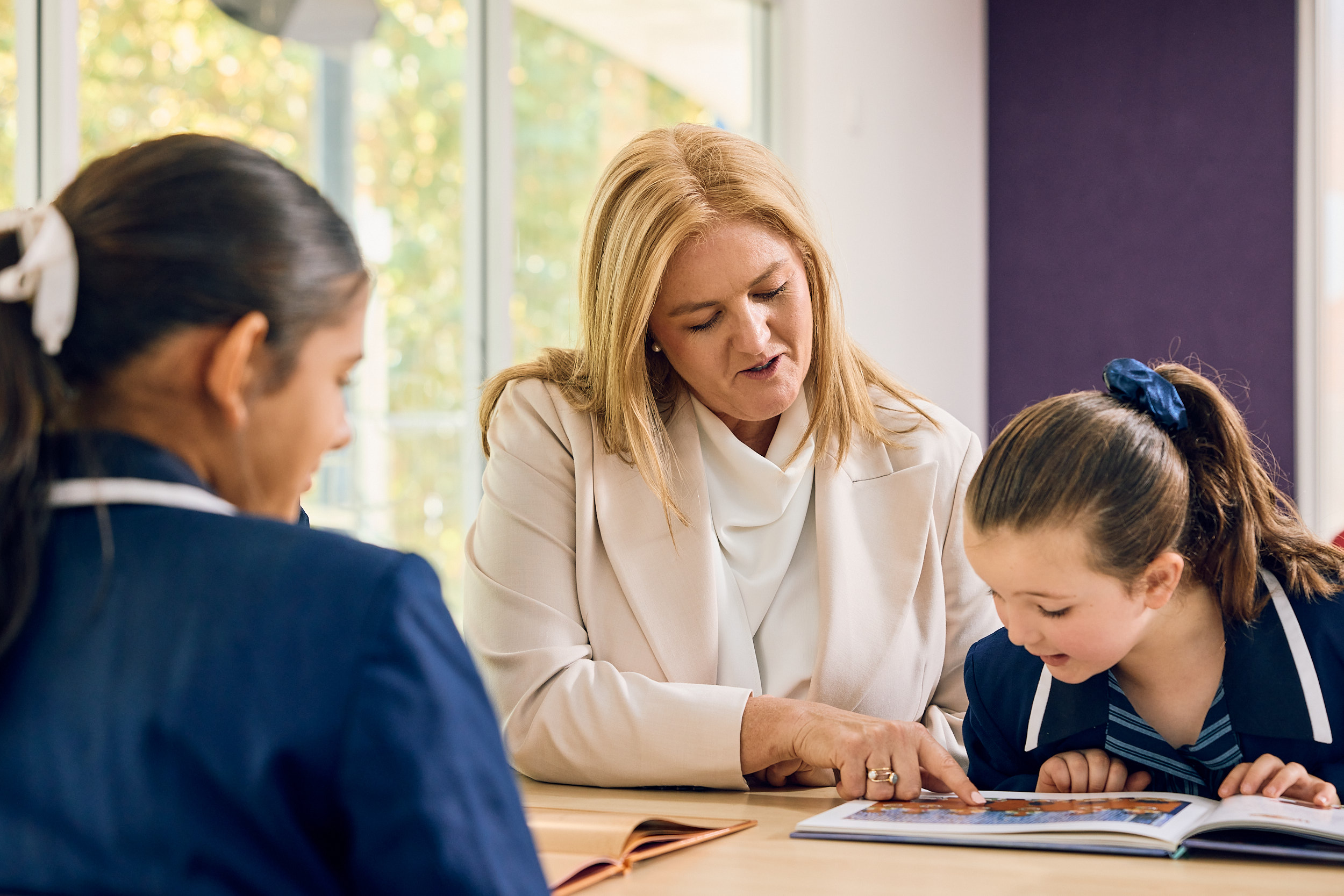
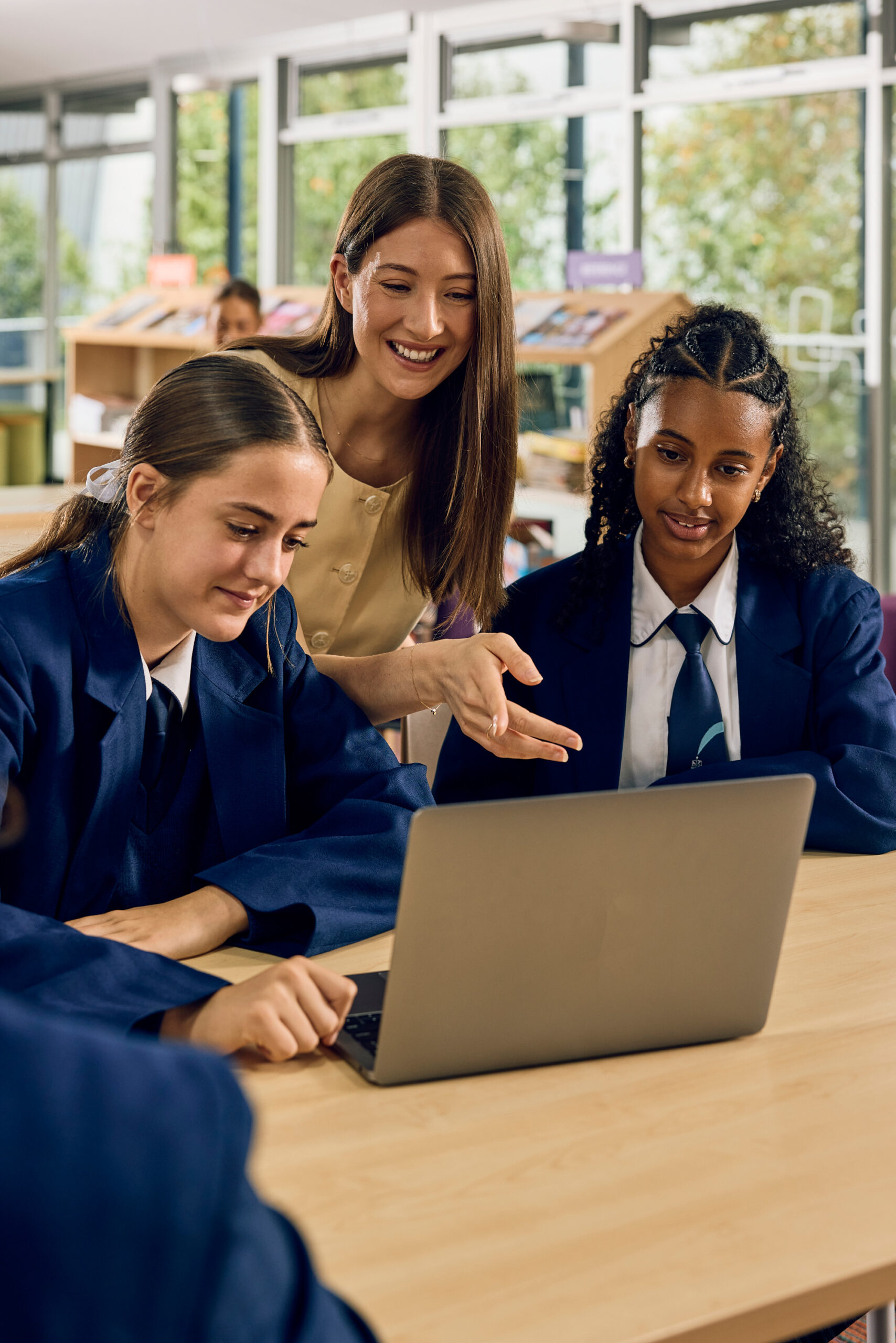
St Mary’s College has a compulsory Bring Your Own Device (BYOD) program for students in Year 5 to 12, supporting learning through access to digital resources and tools. Families can choose either a Mac or Windows laptop that meets the College’s minimum specifications.
Students in Reception to Year 4 are provided with a College device for use in the classroom.
Device and IT Information.
Choosing a Device
Mac and Windows laptops are supported at St Mary’s College. Before purchasing a device, families should review the minimum specifications and requirements to ensure their daughter’s laptop is suitable for learning at the College.
Minimum Device Requirements
- Device type: Mac or Windows laptop.
- Administrator access: The device must have an account with administrator privileges to allow software installations and updates.
- Charging: Devices must be fully charged before school each day. USB-C charging is required, particularly for use in Technology Labs.
- Backup and security: Enable iCloud for Mac devices or a Microsoft account for Windows devices to support file backup, device location, remote locking and password recovery.
- Storage and schoolwork: Students should save schoolwork to OneDrive so files can be accessed across College devices.
Families should ensure their chosen device can run the software required for learning and meets these requirements before purchasing.
IT Support and Software
The College’s on-campus IT Team supports students and families with device setup, troubleshooting and technical assistance. Students also have access to secure Wi-Fi with content filtering, printing facilities, charging stations and hot desk areas.
Students receive free access to:
- Microsoft 365, including OneDrive with 1 TB of storage.
- Adobe Creative Cloud, supporting creative and digital learning.
New families can contact the IT Helpdesk to arrange assistance with setting up their daughter’s device.
For BYOD enquiries or technical support, please email: [email protected].
Caring for Your Device
Students are responsible for keeping their laptop secure when it is not in use. We recommend using a padded laptop bag and arranging appropriate cover for accidental damage, loss or theft.
Families should enable device backup and recovery features to help protect important files, and locate or secure a device if it is lost.
Frequently Asked Questions.
Which devices are supported?
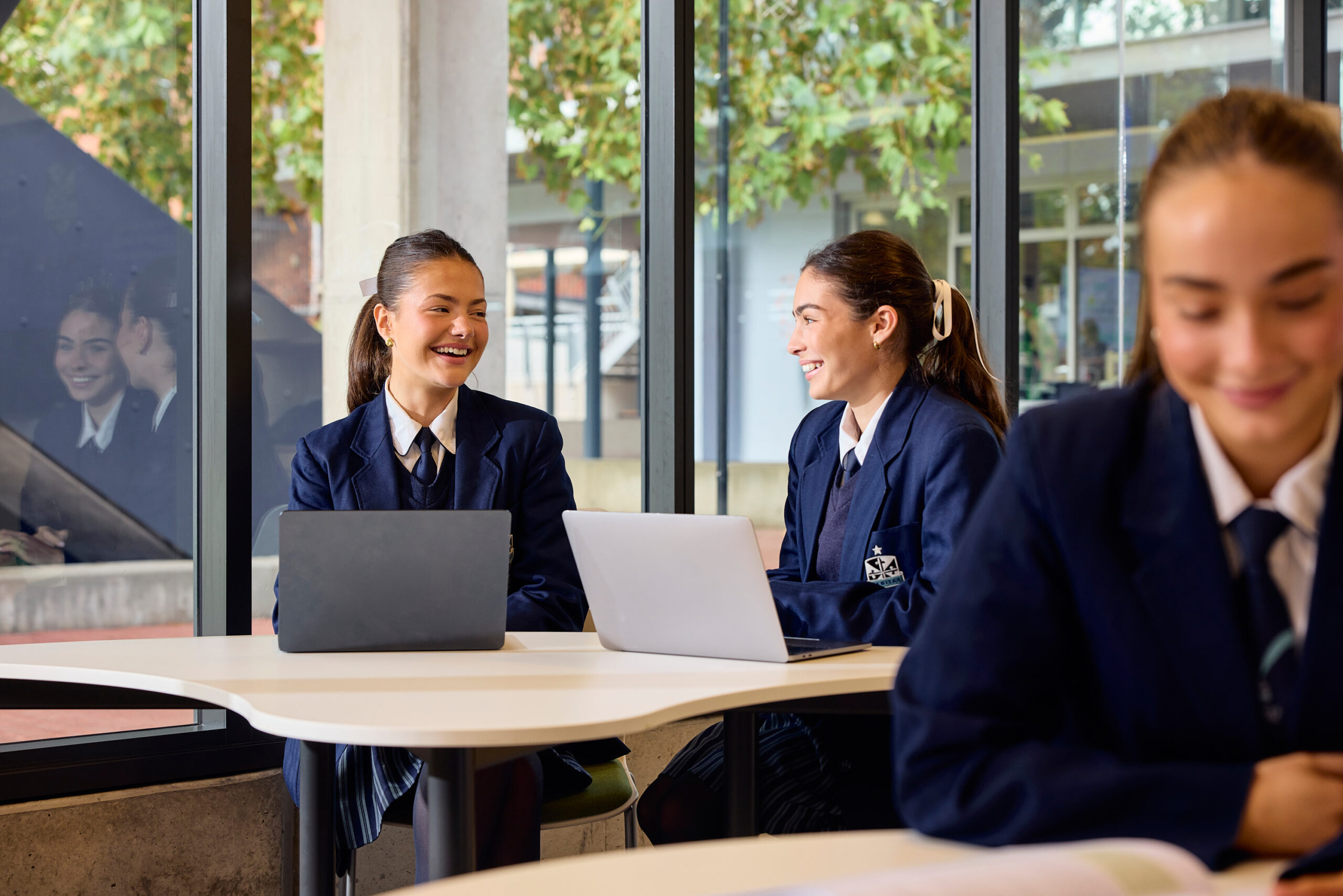
Both Mac and Windows laptops are supported for students in Year 5 to 12, provided they meet the College’s requirements.
Does the College provide technical support?
Yes. The on-campus IT Team can assist with device setup, troubleshooting and technical issues. Contact [email protected] to arrange support.
What software is provided?
Students receive free access to Microsoft 365, including OneDrive with 1 TB of storage, and Adobe Creative Cloud.
Does my daughter need to charge her device at home?
Yes. Laptops must be fully charged before school each day. USB-C charging is required, particularly for use in Technology Labs.
How should schoolwork be saved?
Students should save their files to OneDrive, allowing them to access their work across College devices when needed.